At Anyvisa, we are committed to making your immigration journey as transparent, organized, and stress-free as possible. Applying for Canadian immigration is a significant milestone, and we believe you should always know exactly where your application stands.
To enhance your experience, we are pleased to introduce the
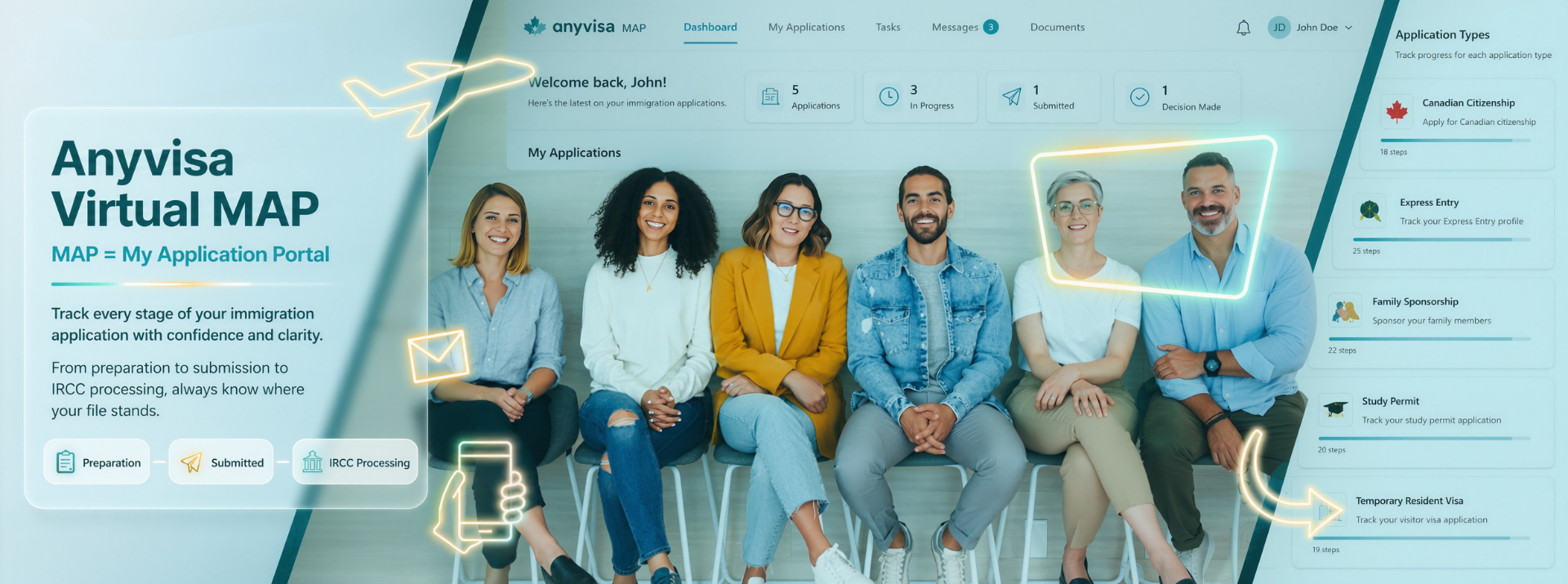
Anyvisa Virtual MAP (My Application Portal) – your personalized online platform designed to help you track every stage of your immigration application with confidence and clarity.
With the Anyvisa Virtual MAP, you can follow your application from the day you become our client until a final decision is made. You will always know where your file stands – whether it is in preparation with our team, awaiting submission, submitted to Immigration, Refugees and Citizenship Canada (IRCC), or progressing through the various stages of IRCC processing.
Depending on your application type, your Virtual MAP may include milestones such as:

Document collection
Application preparation
Client review and approval
Submission to IRCC
Biometrics
Medical examinations
Eligibility review
Background verification
Additional document requests
Passport request
Final decision
Other application-specific stages
Our goal is to provide complete transparency by helping you clearly understand what has already been completed, what is currently in progress, and what to expect next—every step of the way.
Currently Available For
The Anyvisa Virtual MAP is currently available free of charge as a complimentary add-on for all new applications under the following categories:
- Canadian Citizenship
- Express Entry
- Family Sponsorship (Spouse/Common-Law Partner)
- Study Permit
- Temporary Resident Visa (Visitor Visa)
- Work Permit
If your application type is not currently listed, we still encourage you to contact us. Let us know which immigration program you are applying under, and we will review your request to determine whether the
Anyvisa Virtual MAP (My Application Portal) can be made available for your file.
Our platform is continuously evolving, and we are committed to expanding this feature to support additional immigration programs.
If you are an existing Anyvisa client and would like to add the Anyvisa Virtual MAP to your current application, simply contact your assigned Team Curator. We will be happy to assist you and advise you of the applicable administrative fee, if any.



.svg)
.svg)


